


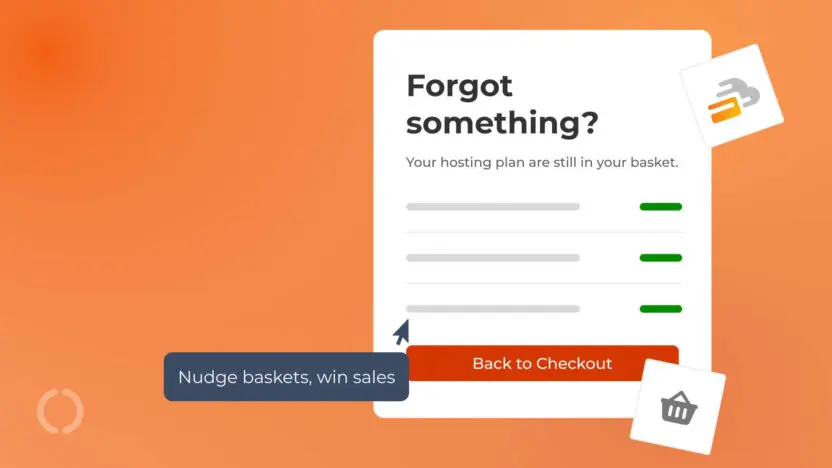
HostShop can now email your customers when they leave hosting or a domain sitting in their basket.
You choose when the reminders go out and whether to include a discount code, then see exactly what they’ve won back for you.
How abandoned basket reminders work
A customer finds your shop, signs up for an account, adds a hosting package or a domain to their basket and then gets distracted or wants to do further research, meaning to finish it later.
Later doesn’t always come.
Until now you had no way of knowing it had happened and no easy way to give them a nudge, so the sale could be lost.
When a signed-in customer leaves items in their basket, HostShop can send them up to three reminder emails.
Each one lists what’s waiting in their basket and its price, so it’s easy for them to pick up where they left off.
Once they’re switched on, they send automatically, so you win back sales without lifting a finger.
Set it up your way
You’re in control of every reminder your customers receive. To turn them on, go to HostShop > Preferences > Abandoned Basket Reminders.
- Turn on Send reminders and set when each one goes out. You can have up to three, from 1 hour to 30 days after the customer last changed their basket. The default is two: after 1 day and after 3 days.
- Choose a discount code (optional). Only codes customers can type at checkout are listed, so retention-only and auto-applied codes won’t appear. Anyone who leaves a basket will get the code, so choose one you’re happy to be shared.
- Turn on Send me a copy (optional) to get a copy of each reminder.
- Edit the wording (optional) in the HostShop: Abandoned Basket Reminder template under HostShop > Email Templates.
See what it’s earning you
Open HostShop > Reports > Abandoned baskets to see how many reminders you’ve sent, how many were followed by an order, the value of those orders and the baskets currently left waiting. Any purchase within 7 days of a reminder counts, apart from renewals.
You can look at any period from the last 7 days up to the last 12 months, so it’s easy to see how your reminders perform over time and whether a change to your timings or discount is paying off.
Easy opt-out for customers
Customers can opt out using the link in any reminder email, which works on every StackCP theme. On the newest themes they can also switch reminders off in their StackCP preferences.
Get started
Abandoned basket reminders are available in HostShop now. Switch them on, pick your timings, decide whether to include a discount and let HostShop do the chasing for you.