


Welcome to Link Round-Up, our series where we share the interesting, useful and fun things on the web that caught our eye each month.
In this edition, we’ve got everything from AI-powered code exploration and personalised search experiments to local-first tools, open-source security work, Linux desktop ambition and a handy way to bring familiar terminal muscle memory to Windows.
If you work in web design then you’ll have inherited client sites where the original developer is uncontactable, the documentation is lacking and a “quick change” request means hours of digital detective work.
Understand Anything immediately makes sense if you’ve ever opened a large codebase and wondered where on earth to begin.
Instead of leaving you to manually decipher files, functions, classes and comments, projects are turned into an interactive knowledge graph where you can explore the structure, search across relationships and ask questions about how everything fits together.
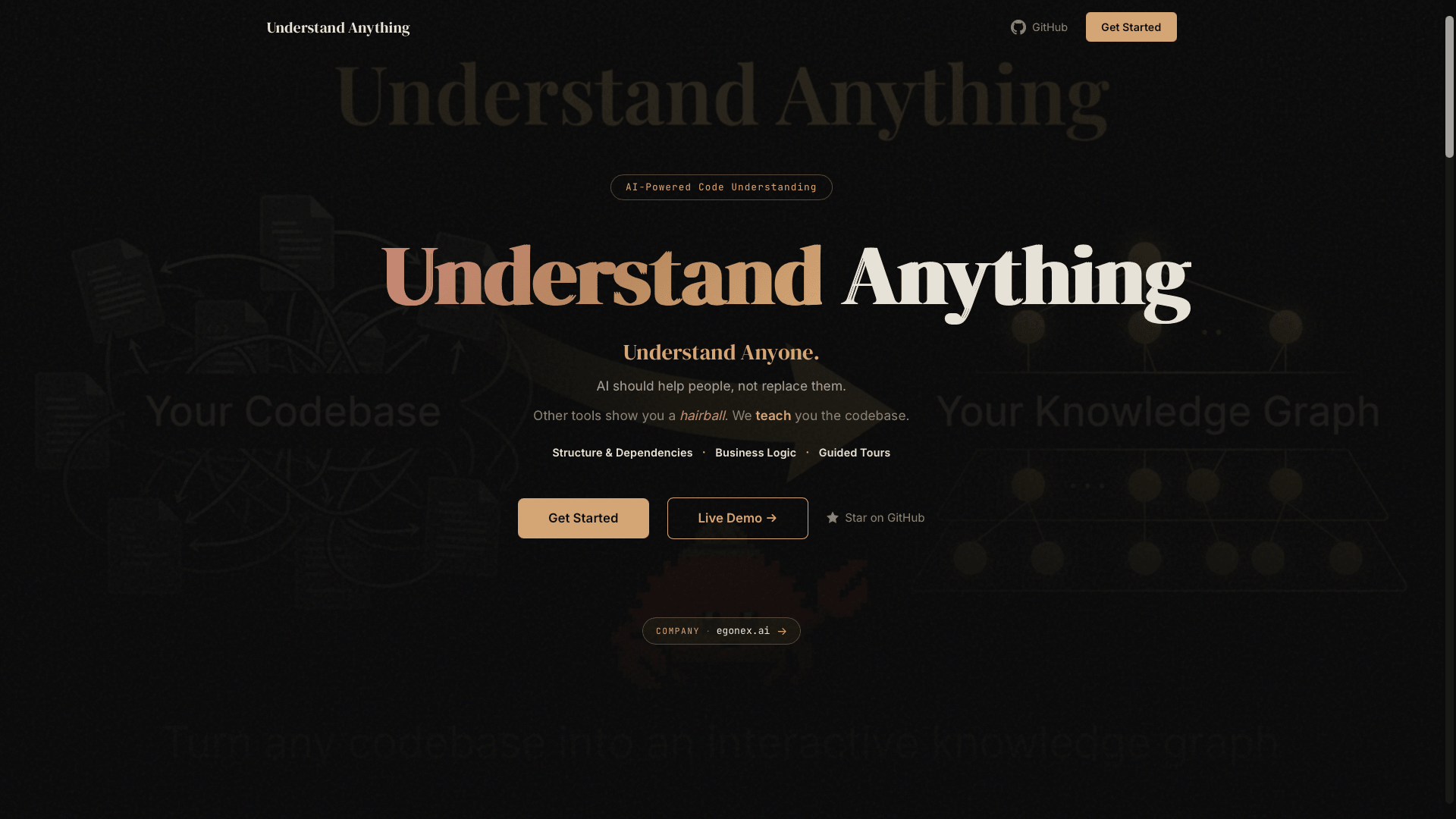
It is especially interesting for developers joining new teams, agencies taking over client projects and anyone trying to make sense of inherited code and fits neatly into the way AI coding tools are evolving.
Have you heard of the Google Personal Intelligence experiment?
iPullRank looked at whether personal context from connected Google services could influence AI Mode recommendations and tested whether signals seeded into Gmail and Google Photos changed which brands appeared in personalised AI responses.
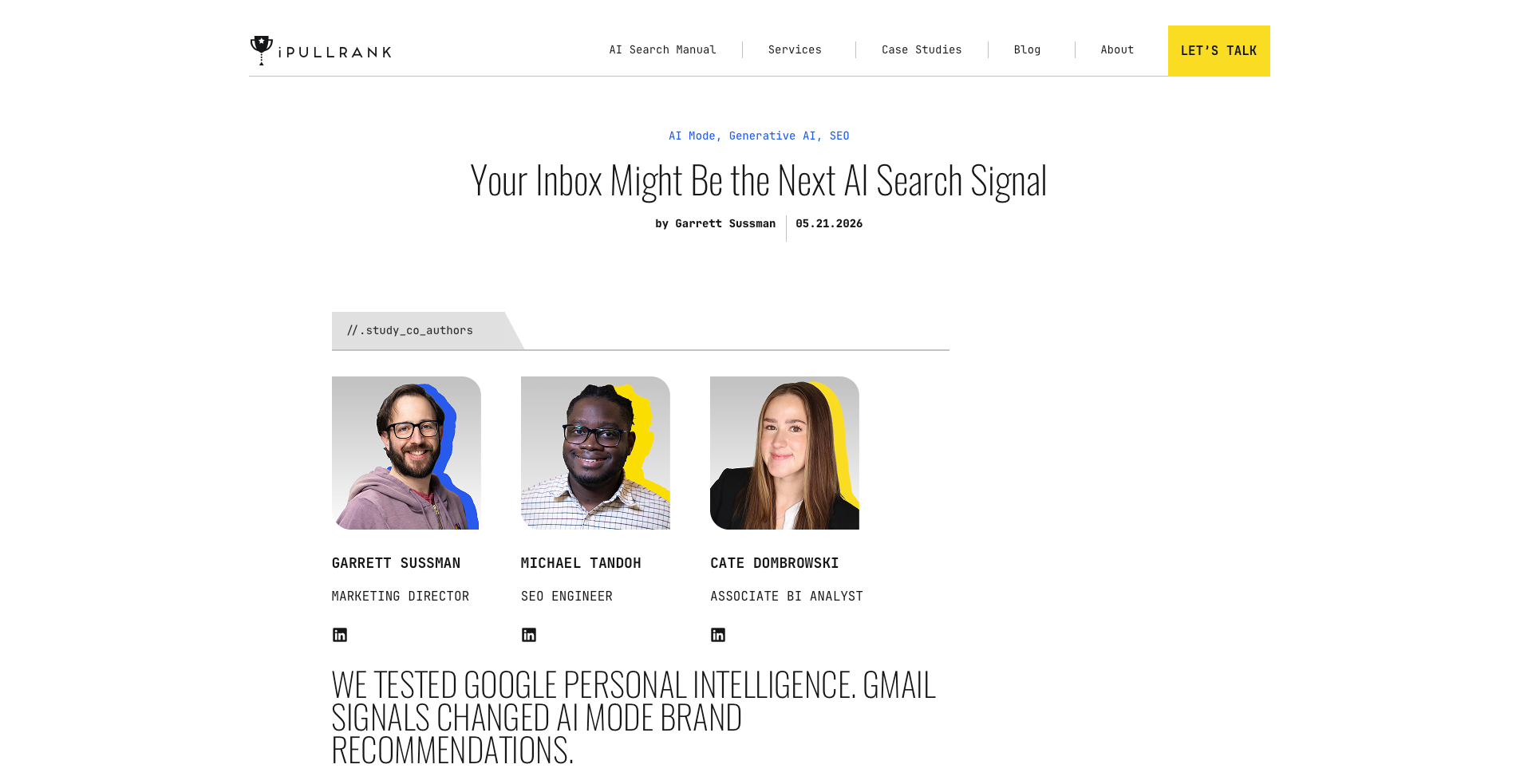
The results are fascinating and unsettling: Gmail signals appeared to have a measurable effect on which brands were surfaced.
That means AI search may not only be shaped by the public web, backlinks, entities, reviews and content quality – but also by what sits inside a user’s own private context.
For marketers, that poses significant questions:
- What does visibility mean when two users may receive different recommendations based on their inboxes?
- How do you measure AI search if personal context becomes part of the ranking environment?
- How do brands build trust when some of the most influential signals may be hidden from public view?
This Gemini feature is in early development, opt-in, experimental and points towards a future where SEO is about being meaningfully present in all places people already interact with brands.
Open-source software underpins almost everything, from hobby projects to enterprise infrastructure, which makes it a tempting target.
As AI makes vulnerability discovery faster and cheaper, the pressure on maintainers, security teams and software vendors is only going to increase. Project Lightwell is IBM and Red Hat’s attempt to respond at scale.
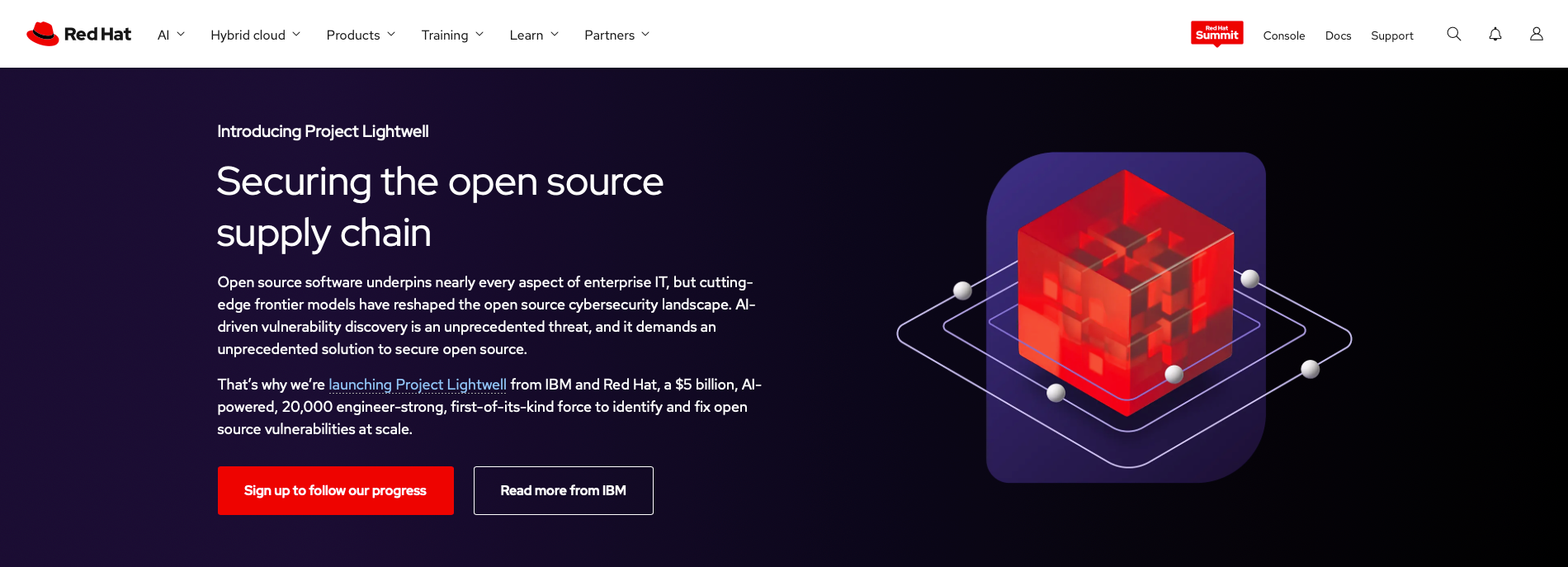
The project is positioned as an enterprise clearinghouse for open-source software, combining AI-assisted vulnerability review with a very large engineering force to identify, fix, backport, test, sign and deliver secure patches for open-source components.
What caught our attention is the balance of automation and human expertise. Red Hat is presenting this as “AI helps accelerate the work, while experienced engineers make the judgement calls.”
That feels like a more realistic model for high-stakes AI. Automation can help find, triage and process issues faster than humans, but open-source security still needs context, disclosure discipline, upstream relationships and people who understand why a patch is safe in one version but risky in another.
Of course, when AI starts operating around private data, security and account-level decisions, the stakes become very real.
Manga artist Masahiro Itosugi recently posted that he had been banned from his Google account after uploading data from an old comic he had drawn to Google Drive.
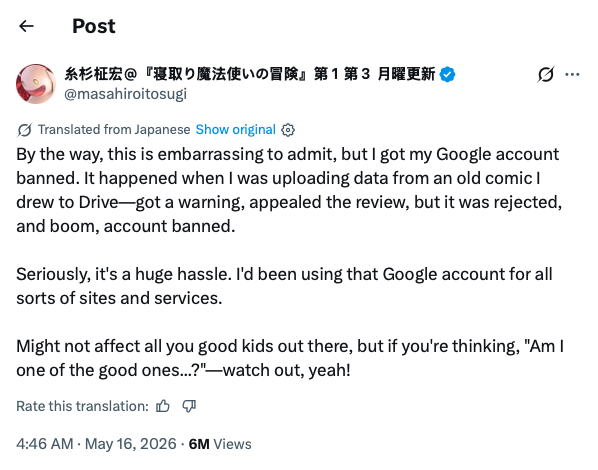
According to his post, he received a warning, appealed the review, had that appeal rejected and then lost access to the account.
That is a nightmare scenario, not only because of the files themselves, but because Google accounts often sit at the centre of a person’s digital life.
Email, Drive, Photos, app logins, website accounts, authentication and years of work can all be tied to one identity.
We don’t know the full details of the case and aren’t drawing sweeping conclusions from one post – but as a warning story, it lands hard.
Cloud storage is someone else’s platform, governed by someone else’s rules, automated systems and appeal process. If those systems get something wrong, the human cost can be enormous.
That brings us to a self-hosted AI workspace with a very different philosophy.
Felix Kjellberg, better known by his YouTube alias PewDiePie, recently released Odysseus with a local-first, privacy-first, open-source and a refreshingly direct “no telemetry” pitch.
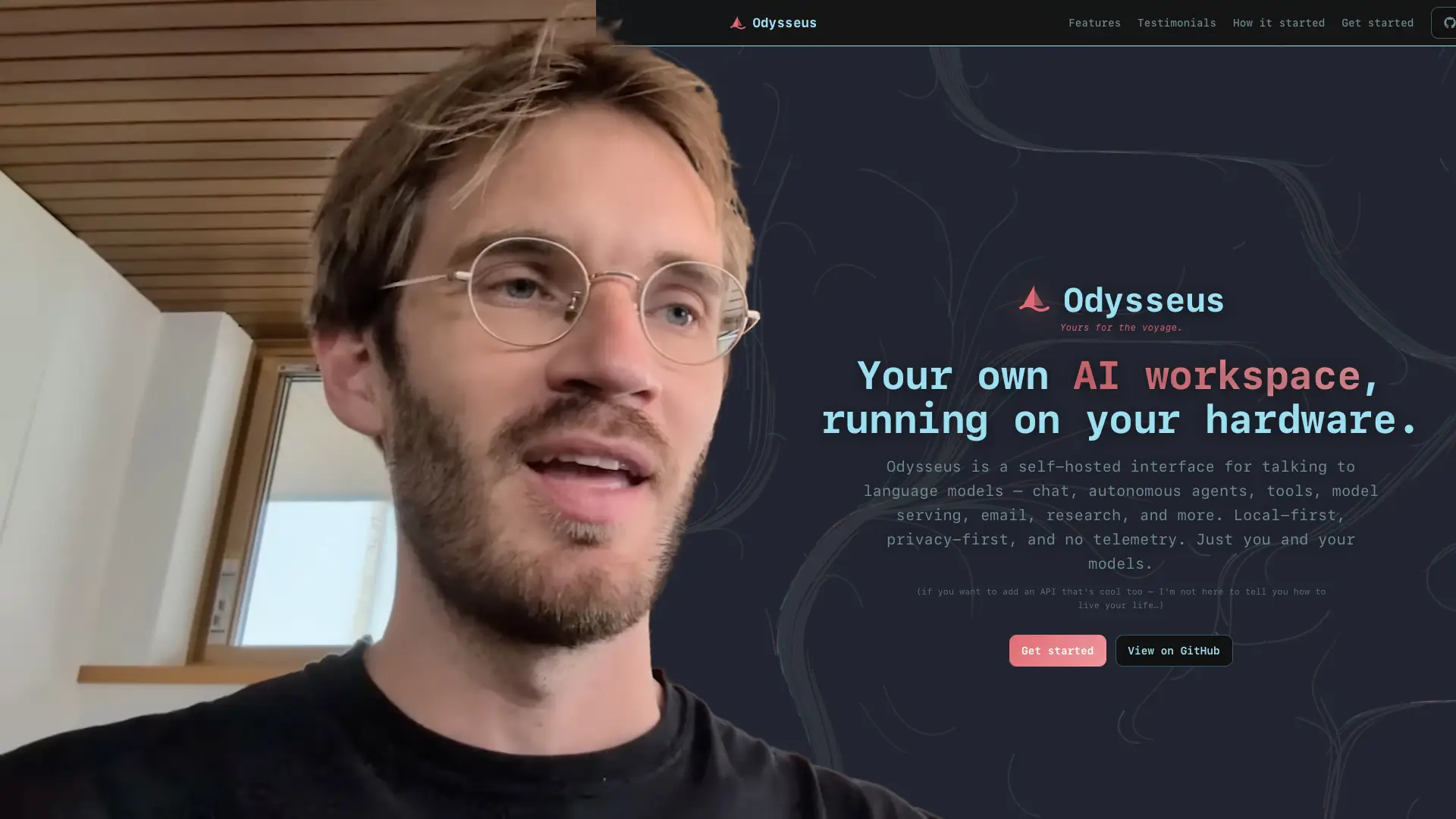
As AI tools are becoming more agentic and more involved in our files, messages and workflows there is something very appealing about that.
Not every user wants to piece together a local AI stack and not every team has the hardware, patience or appetite for self-hosting – but projects like this show that control and privacy don’t have to be casualties of the AI boom.
Control becomes more important as local AI hardware continues to grow in market share. We’ve seen AMD Ryzen AI Max and Apple Silicon chips with 128GB of memory in the portable, personal computing space.
NVIDIA have now joined the fray, showcasing their RTX Spark lineup of laptop chips just before Computex this month.
A portable system powered by Qualcomm’s Snapdragon ARM processors, Blackwell graphics, up to 128GB of RAM and with reportedly strong battery life is a compelling proposition for AI processing on the go!

Capable AI agents need fast access to a lot of memory, plus a software stack that AI developers already support. CUDA is a major NVIDIA advantage and is already central to a huge amount of AI tooling, creative and productivity workflows.
What this means for the future of desktop GeForce GPUs is uncertain, but we hope that the next generation of consumer cards won’t be as constrained as the 50 series which, except for the RTX 5090, were limited to 16GB or less.
Regarding desktops, KDE Linux is shaping up to be a particularly promising project.
To be clear, this is not the same thing as KDE Plasma. KDE Linux is a full operating system being built by KDE to show Plasma and KDE apps in what it sees as their ideal environment.
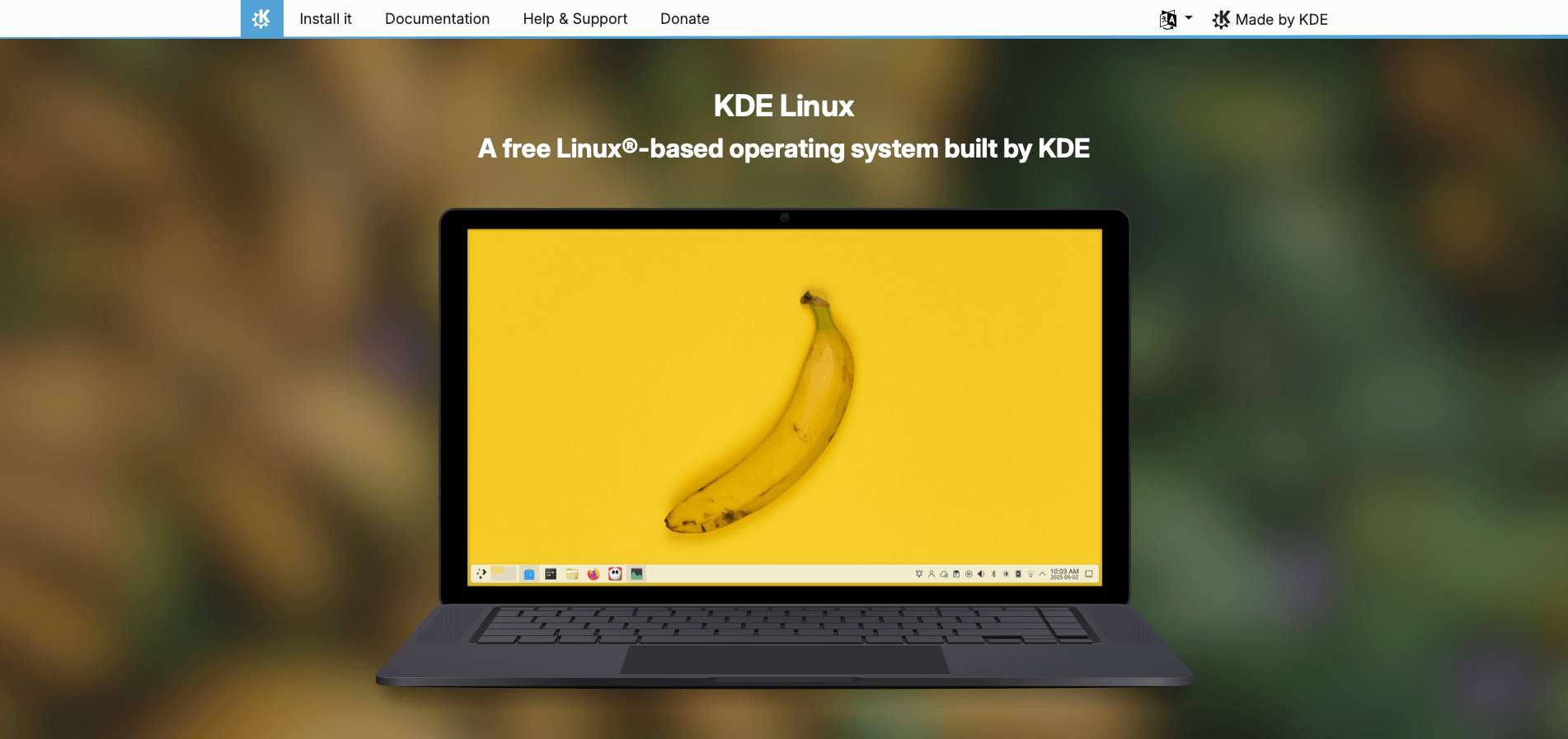
The upcoming distribution has made progress around performance, testing and security. Moving away from Arch package generation to KDE’s own kde-builder tool will speed up builds, improve caching and reduce reliance on single upstream distribution.
The security changes are also notable. KDE developers carried out an audit after recent Linux kernel security issues, removing unused and risky components, switching back to the vanilla Linux kernel, dropping unmaintained Fuse2 support and removing various unnecessary packages and modules.
While the beta is very much still in active development, the direction is promising with the developers taking testing, build reliability and security seriously rather than simply being another “nice Plasma desktop on top of someone else’s base” project.
And while KDE is building a more controlled home for Linux desktop, Microsoft is doing something unexpected in the other direction: bringing the Unix command-line experience to Windows.
Coreutils for Windows is now generally available, giving developers native Windows versions of familiar Linux-like command-line utilities. It is built from the open-source uutils project, a Rust-based reimplementation of GNU Coreutils.
winget install Microsoft.CoreutilsThis solves a very real annoyance for developers who have to constantly move between Windows, Linux, macOS, WSL, containers and cloud environments – friction builds when familiar commands behave differently or are missing entirely from environments.
Microsoft’s wider Build 2026 developer push is all about reducing that friction: better dev environment setup, deeper WSL integration, more familiar workflows and local AI tooling.
Ko-fi.tools is a neat third-party resource for creators who want more control over how content appears on their own website.
It provides widgets and an API for showing Ko-fi content directly on your own site. That includes things like shop items, commissions, top supporters, gallery content and feed updates.
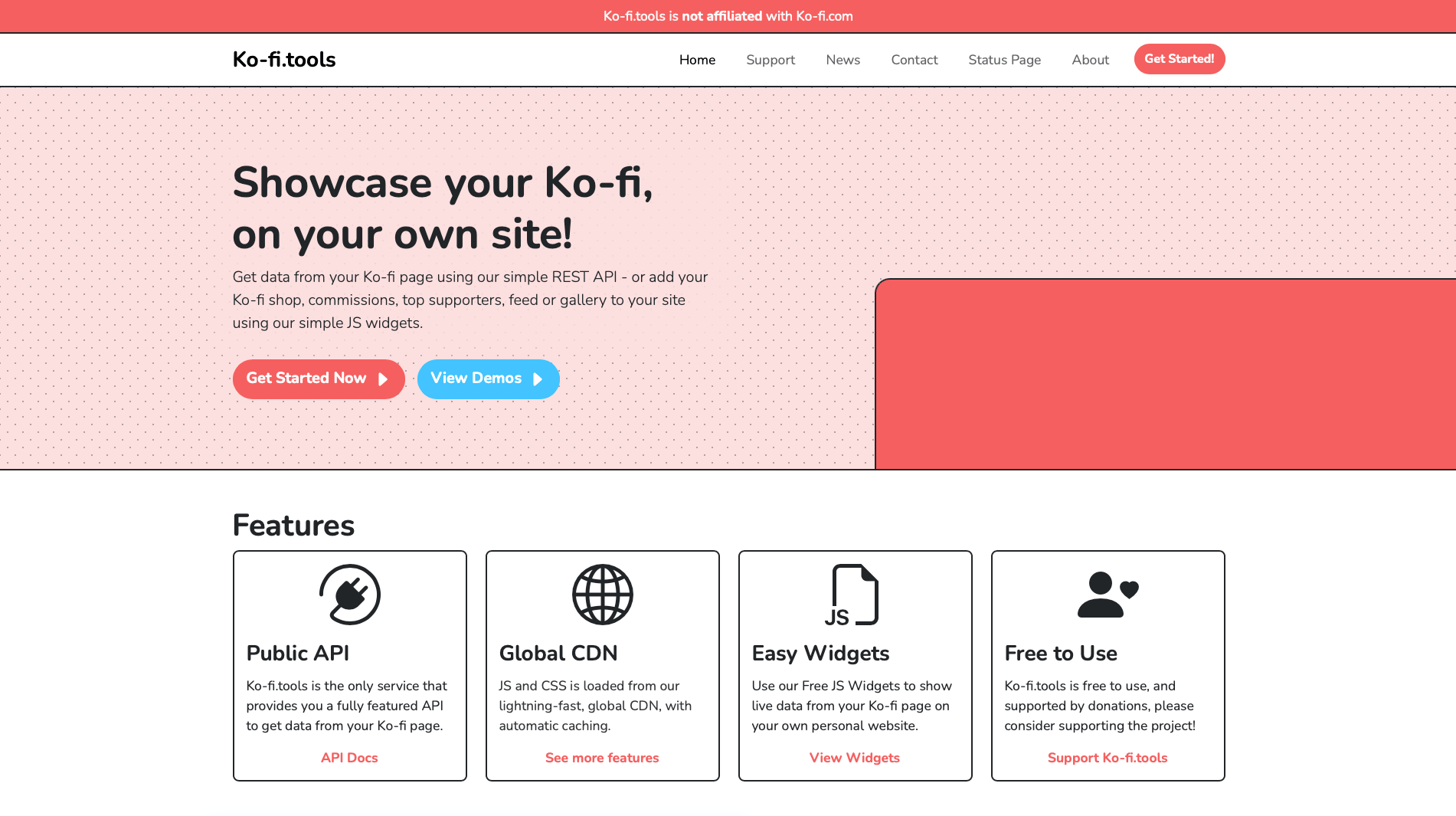
We love tools like this because they sit in the practical middle ground of the indie web where artists, writers, crafters and small creators want their own site to feel more alive and more connected to the places where supporters actually interact with them.
Have you found a brilliant tool, fascinating website, impressive open-source project or niche internet rabbit hole we should include next time? Let us know in the comments!
