


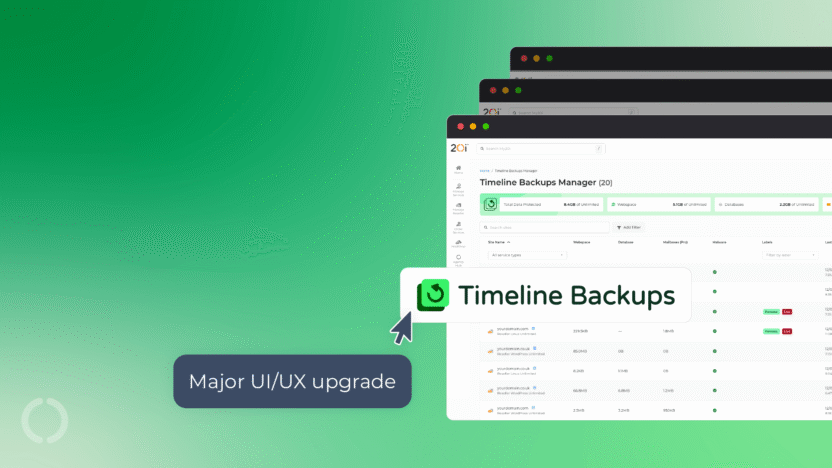
We’ve completely reimagined the Timeline Backups experience in My20i with our all-new Timeline Backups Manager.
This major UX upgrade makes it easier than ever to view, manage and restore your backups, with a cleaner interface, new tools and a more intuitive workflow.
Designed to simplify backup management while giving you greater visibility and control, the new Timeline Backups Manager helps you manage your websites with greater confidence.
What’s New Timeline Backups Manager…
New, Improved Interface
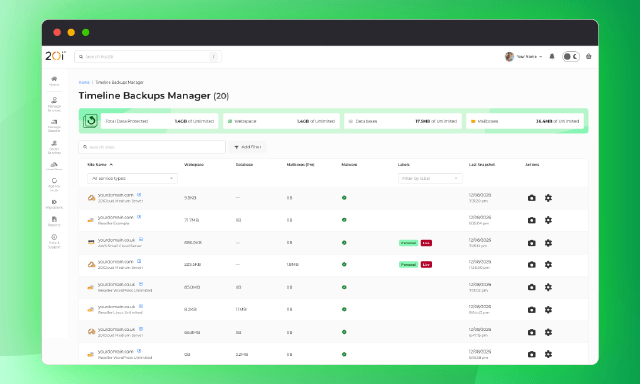
The new Timeline Backups Manager has been redesigned with enhanced usability in mind.
Information is now easier to find, actions are more accessible and the interface provides a much clearer overview of your backups.
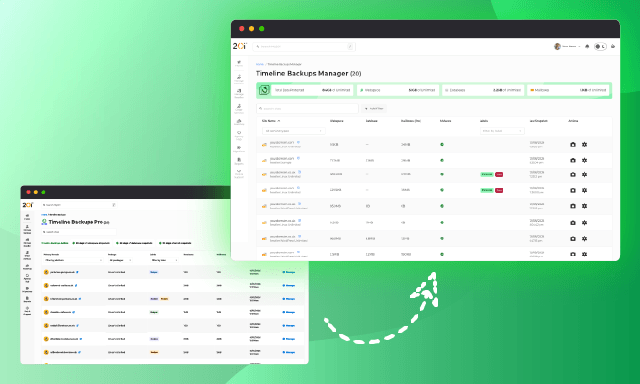
A Single View of All Your Products
The new Timeline Backups Manager now provides a single interface that displays all your products with Timeline Backups enabled.
Previously, Resellers could access a package list, while other users were only able to see Timeline Backups for individual hosting packages.
This means that if you’re a user with multiple services, you can view and manage backups across all your services from one location, making it quicker and easier to monitor backup status and access restore points.
Dashboard Insights
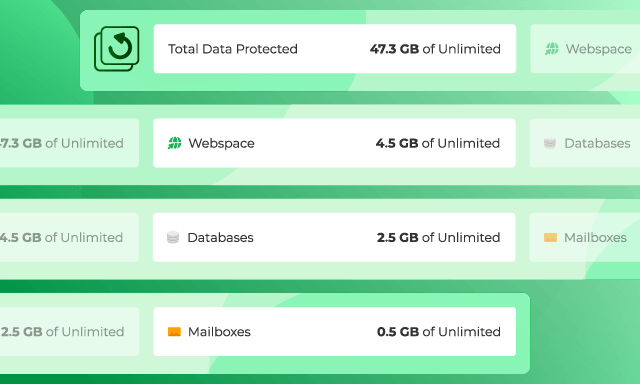
Get an instant overview of your backups with the new Dashboard Insights panel.
At a glance, you can see your total data protected, along with a breakdown of Webspace, Databases and Mailboxes (Timeline Backups Pro), giving you greater visibility into what’s being backed up across your account.
Snapshot Notes
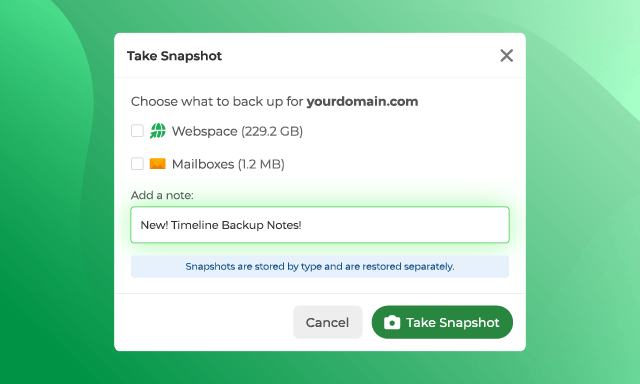
Instantly create Snapshots of your Webspace, Databases or Mailboxes.
We’ve also introduced Snapshot Notes, allowing you to add labels and descriptions to individual backups, making it much easier to identify important restore points when viewing backups at a package level.
Malware Scan Visibility
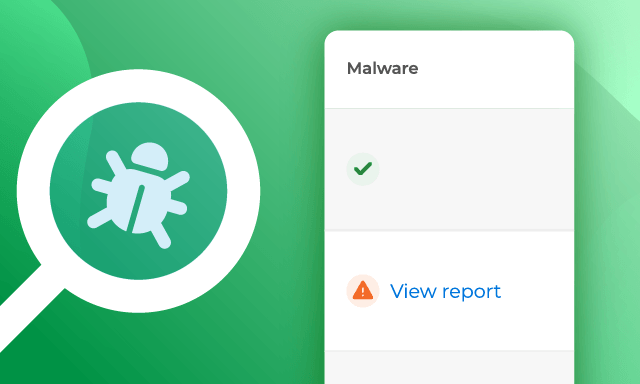
Stay on top of potential security issues with the new Malware column.
Active malware alerts are now clearly displayed for each of your customers, providing immediate visibility and helping you quickly identify websites that may require attention before performing a restore or taking further action.
Explore Timeline Backups Manager
Timeline Backups Manager is built directly into the 20i platform, giving you a versioned, granular recovery experience without relying on separate backup tools or third-party add-ons.
Timeline Backups is included with our Managed WordPress Hosting, Managed Cloud Servers and Web Hosting. Reseller Hosting customers can enable Timeline Backups from only £9.99/$9.99 per month.
From correcting a single overwritten file to recovering an entire website, Timeline Backups gives you flexible, self-service recovery through the same platform you already use to manage your hosting.
Your backups are securely stored on a separate server from your live website for greater protection.
They’re also independent of your hosting package’s disk space quota, so protecting more data doesn’t reduce the storage available to your websites.
When you need to restore something, you remain in control. Website files and databases can be recovered independently, while individual file and folder histories let you restore exactly what you need without rolling back the rest of the website.
Timeline Backups Pro extends this protection to your email. Individual mailboxes can be recovered from previous snapshots and restored to a temporary mailbox first, allowing you to check the contents before syncing anything to the live account.
Some cPanel hosts add third-party backup software to provide similar functionality, but the tools, retention periods and restore options differ between providers. With 20i, granular, self-service recovery is integrated into our platform and managed centrally across your hosting services.
➡️ Explore the latest updates and see the enhancements for yourself: Timeline Backups Manager