


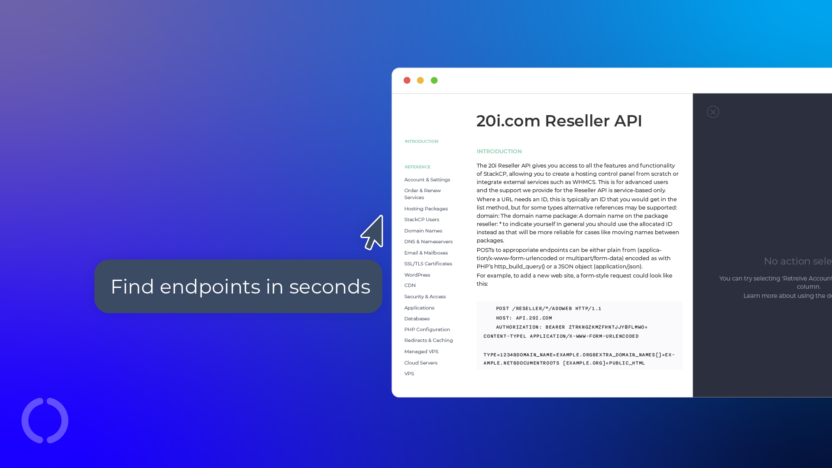
Great news, we’ve reorganised our Reseller API documentation to make it clearer, more detailed and easier to use.
Endpoints are now grouped into clearer categories, and the formatting has been updated throughout, helping you find exactly what you’re looking for.
The Website Turbo endpoints have also now been surfaced to its own dedicated category where you can find the endpoints to assign, list and unassign the Website Turbo credits.
WordPress management specific endpoints now live in the main WordPress category, so you can easily find out how to retrieve installed plugins, run a checksum core, check the installation status and run many more operations all via the API.
Getting Started with the Reseller API Documentation
Log in to your My20i account and go to Manage Reseller > API > View Documentation to open the API console.
- Overview and Navigation: The console opens with an API overview, including authentication and available endpoints. Use the left-hand menu to quickly navigate between sections like domains, VPS, and hosting.
- Interactive Endpoints: Each endpoint shows its method, description, and required parameters. Click “Try” to test it directly in the console.
- Customising Requests: Edit parameters in the request form to match your needs. Click “Call Resource” to see real-time responses.
- Understanding Responses: Responses include status codes, headers, and JSON data. This helps you understand and integrate API outputs into your applications.
About the Reseller API
The 20i Reseller API enables you to use the functionality available in StackCP over HTTP. You can use it to provision hosting packages, manage domains and DNS, configure email, handle SSL and automate anything you’d otherwise do through the control panel.
This allows you to build anything from a single bulk action system to help make your day-to-day management, to your own fully featured domain search and control panel interfaces.