


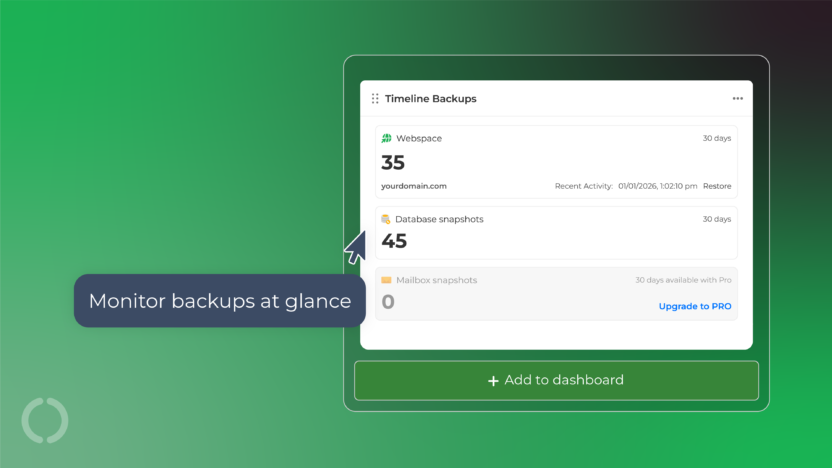
Our brand new My20i Timeline Backups Widget gives you a clear, at-a-glance overview of backup activity for any specific website.
Simply select the website you want to monitor, and the widget will display key backup statistics in one place.
Whether you’re checking that backups are running as expected or preparing for a restore, the backup timeline widget makes it easier to stay informed without digging through settings or reports.

What does the widget show?
Clear visibility into the snapshot counts across your site’s core elements, including:
- Webspace files
- Databases
- Email Accounts
This allows you to quickly see how many snapshots are available, ensuring you have a clear picture of what data is backed up
Note: The Timeline Backups widget is currently only available for Reseller Hosting customers.