


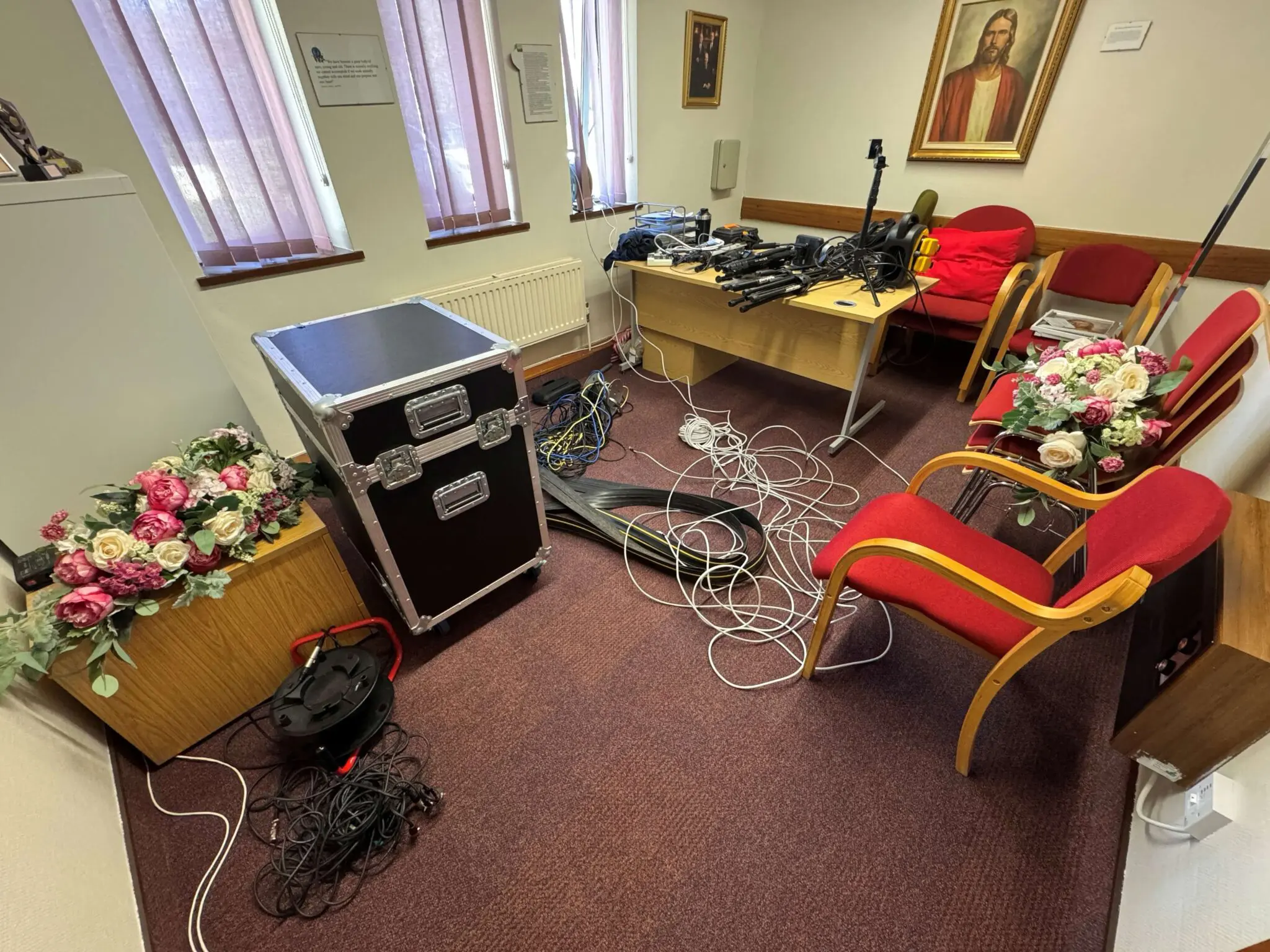
I recently had a very busy weekend! 14 hours to setup, test and teardown cameras, audio interfaces, mixers, PoE switches and microphones, 6 hours of broadcasting and, at the heart of it all, OBS.
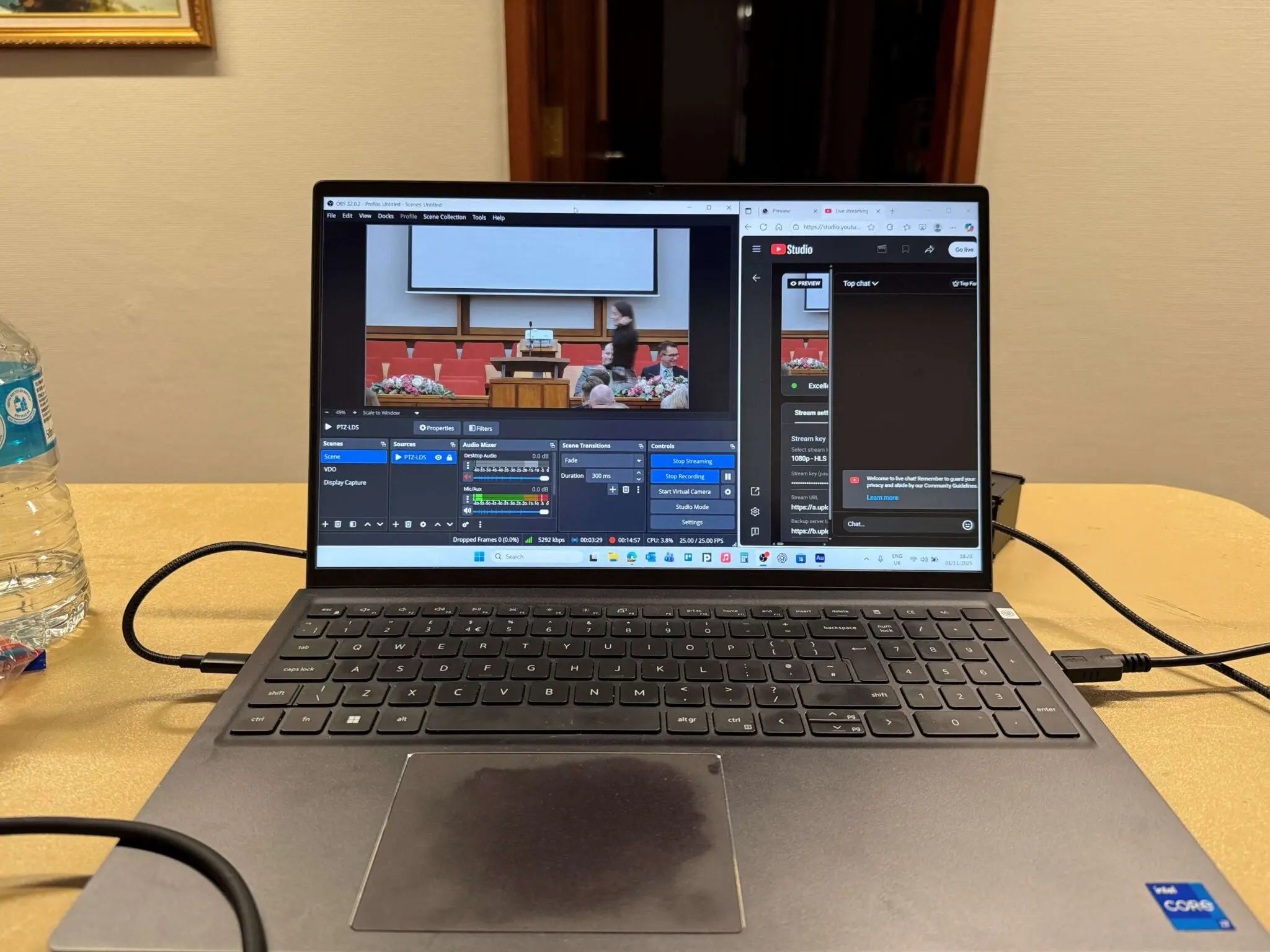
We’re big fans of FOSS for the freedom and control it gives users. Since 2012, one of the most empowering examples has been Open Broadcaster Software (OBS).
If you’ve watched live events, tutorial videos and anything on any public video streaming platform (YouTube, Twitch, Rumble, Kick etc), there’s a very good chance you’ve already seen what this software can do.
OBS runs on Windows, macOS and Linux and scales from someone streaming their first game from their bedroom to international broadcasters running complex, multi-scene live productions – all without locking you into a platform, a pricing tier or a proprietary ecosystem.
What does OBS actually do?
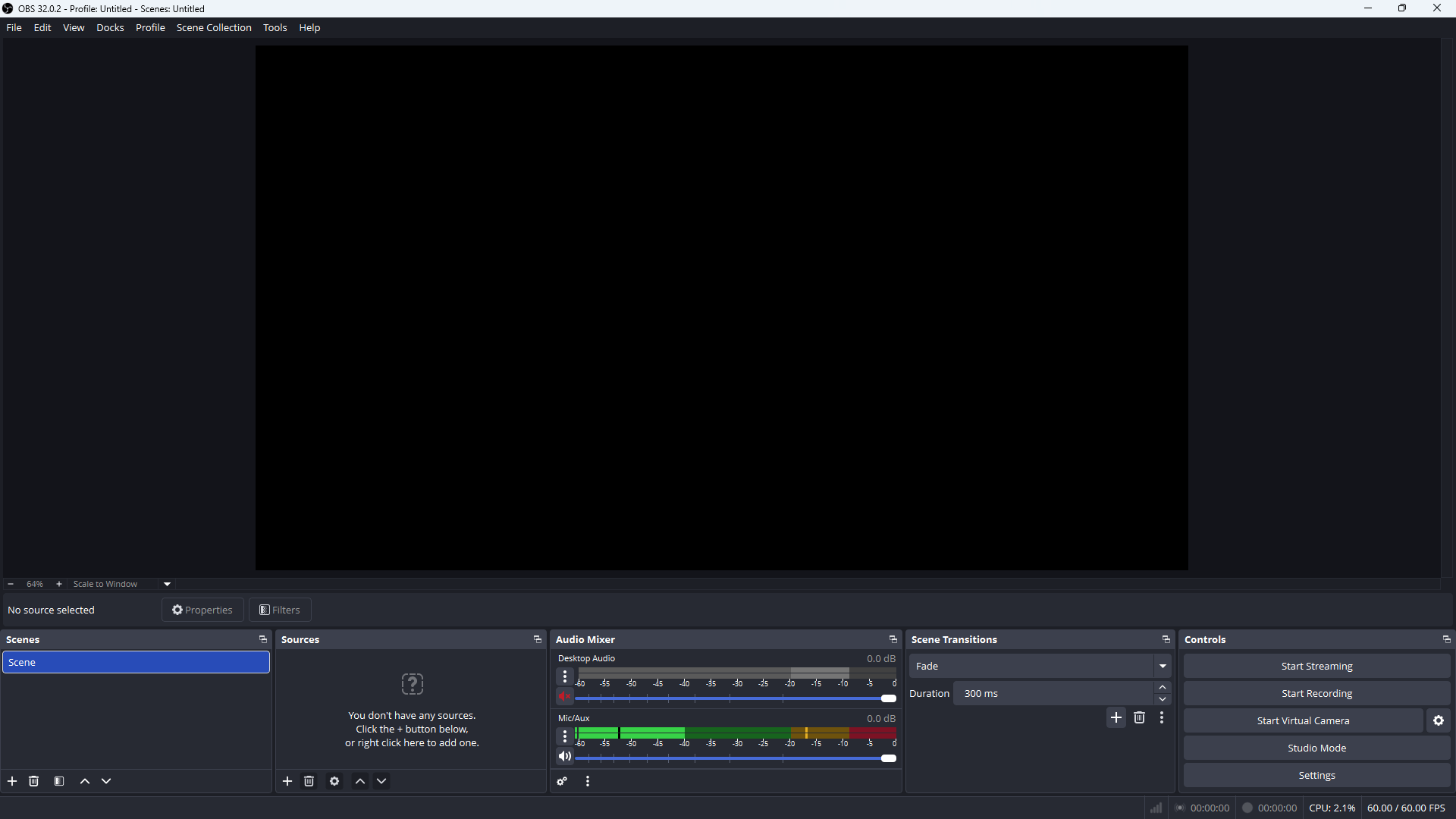
At its core, Open Broadcasting Software does three things exceptionally well:
What do with OBS is entirely up to you! Here are a few common use cases from each category:
Local recording
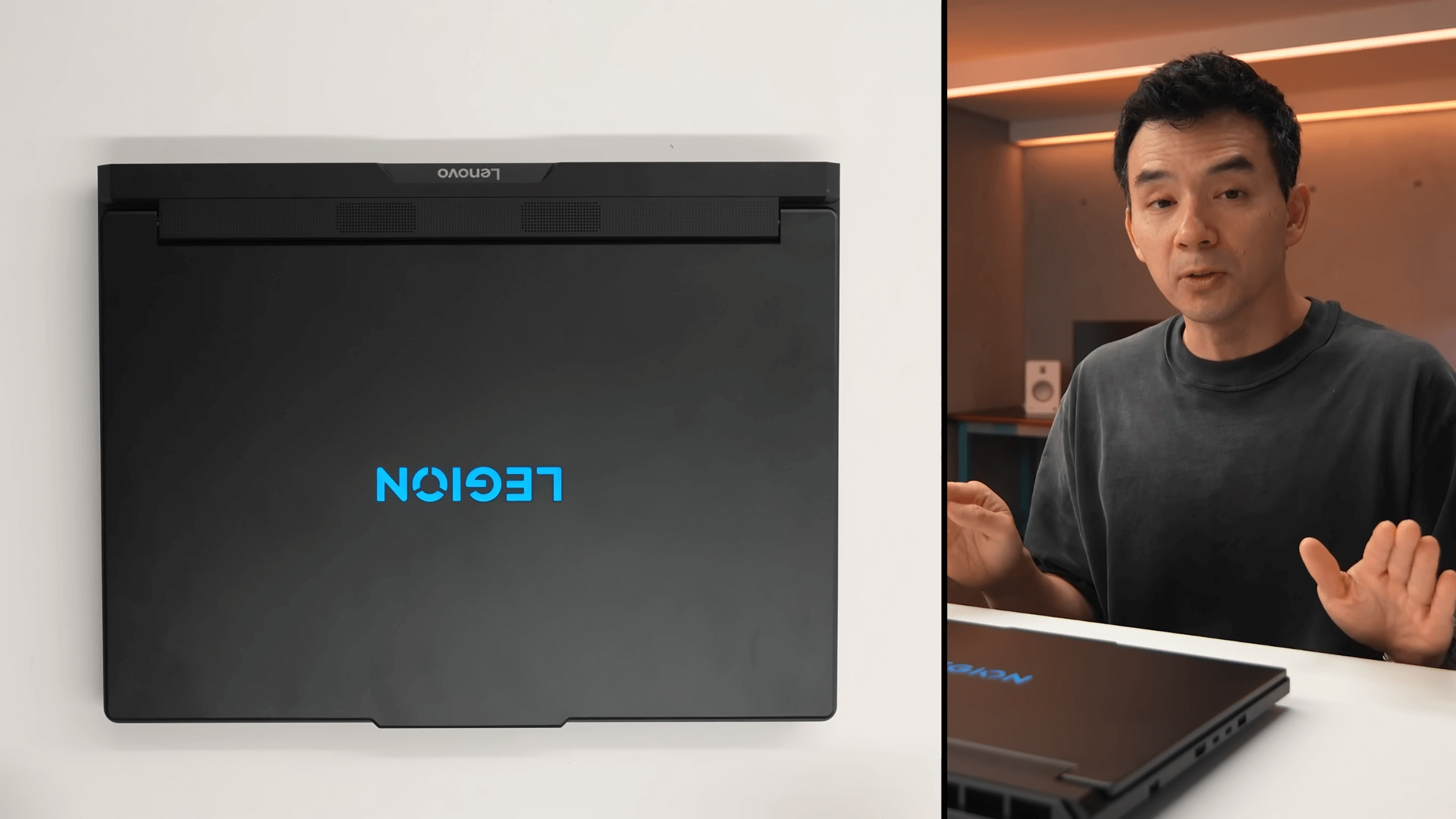
- Capture input from cameras and audio interfaces to make high quality stems that’ll be used in a bigger production
- Record your screen for a tutorial video
- Record sales calls and demos
- Record presentations
- Adding narration to an existing video
- Super imposing yourself over other content
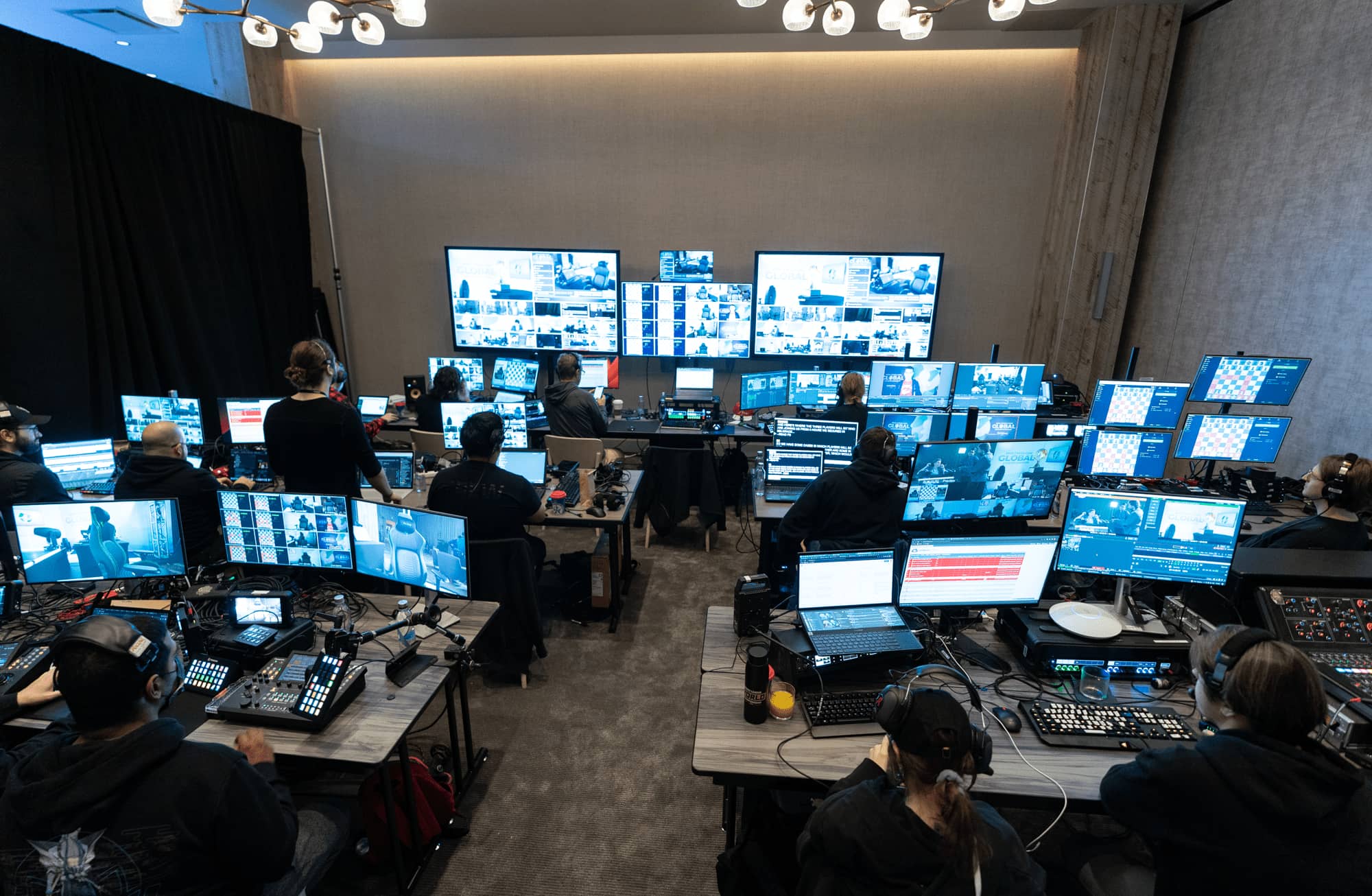
Live events

- Display and audio routing
- Source switching
- Queuing graphics and animations
- Sounds effects
- Background music
- Lighting automation
Live streaming
- Reporting breaking news
- Interviews & podcasts
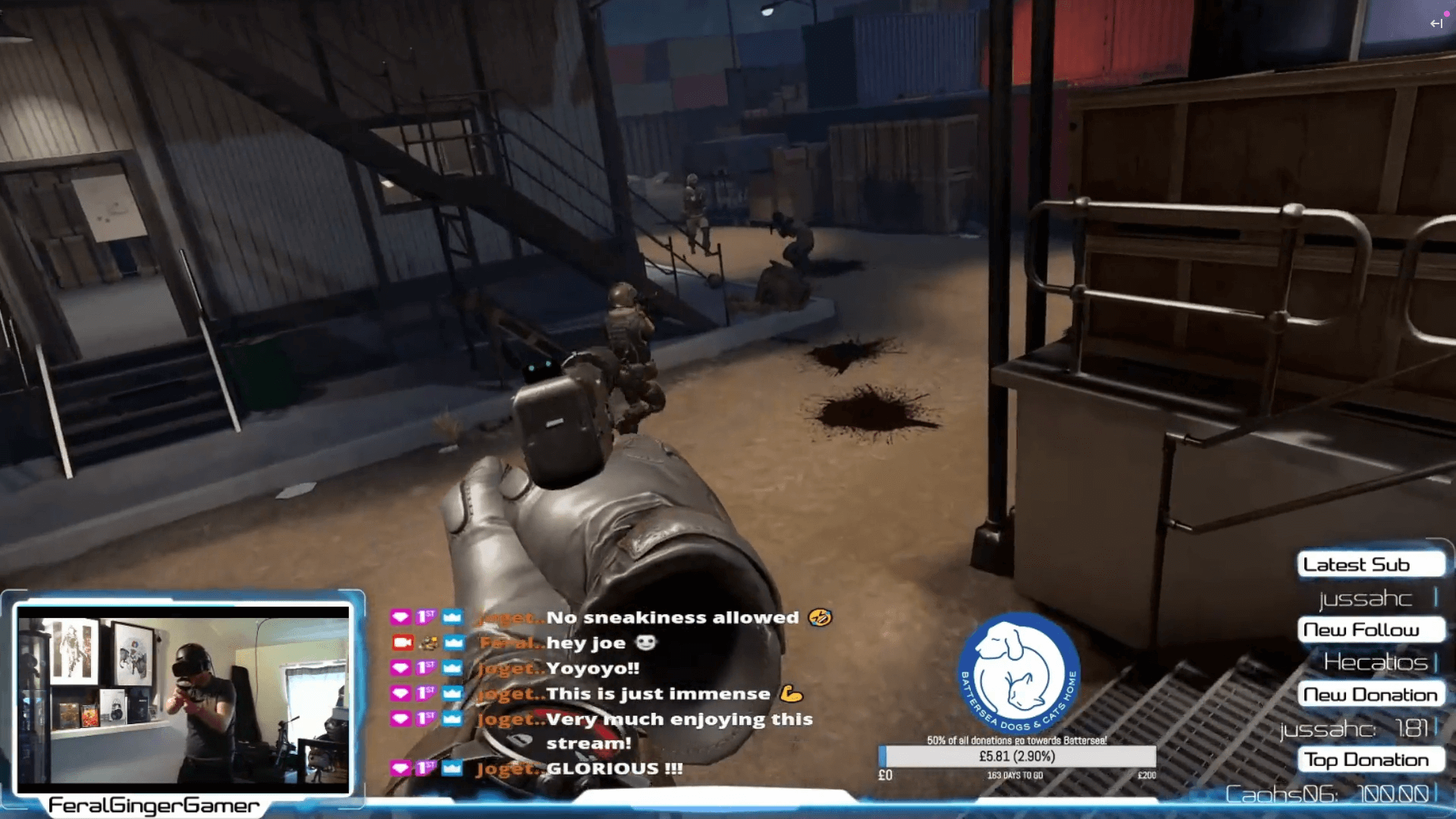
- Sharing gameplay and interacting with audience in real-time
- Broadcasting live events
Open Source Without Compromises
The software gives you fine-grained control over bitrates, audio channels, scene transitions and output formats.
There’s HDR support. Hardware level H264, HEVC and AV1 encoding.
You can use powerful filters to shape the tone of your audio and look of your video. You can even offset latency to make sure all your sources are in perfect sync.
The feature list is extensive… and you can add plugins! OBS gives users so much power that it can be intimidating!
Speaking from experience; it’s very easy to over-complicate a setup. Cranking bitrates higher than your connection can cope with, pushing your hardware past reasonable limits, or getting lost in the sheer number of scenes you’ve created.
Being open source – and having an enormous, engaged user-base – means that there’s always a way to fix things if you break them, and an optimal way to operate that’s been extensively tested should you need guidance.
Why you should consider FOSS
Subscription fatigue is being keenly felt, paid services are becoming more expensive, and feature creep bloats and dilutes all aspects of user experience.
With concepts like ownership being fiercely contested by corporations and customers, OBS is a brilliant reminder of what’s possible when software is built in the open, shaped by real users, and improved continuously by a global community.
This resonates with our values and how we run our business. In this atmosphere, OBS is a breath of fresh air.
Final thoughts
If you’re invested in the future of the open web, it’s worth celebrating tools like OBS that prove open source isn’t a compromise.
So, if you’re looking to get into streaming, recording, teaching, presenting or simply want to experiment and have fun – install and use OBS.
